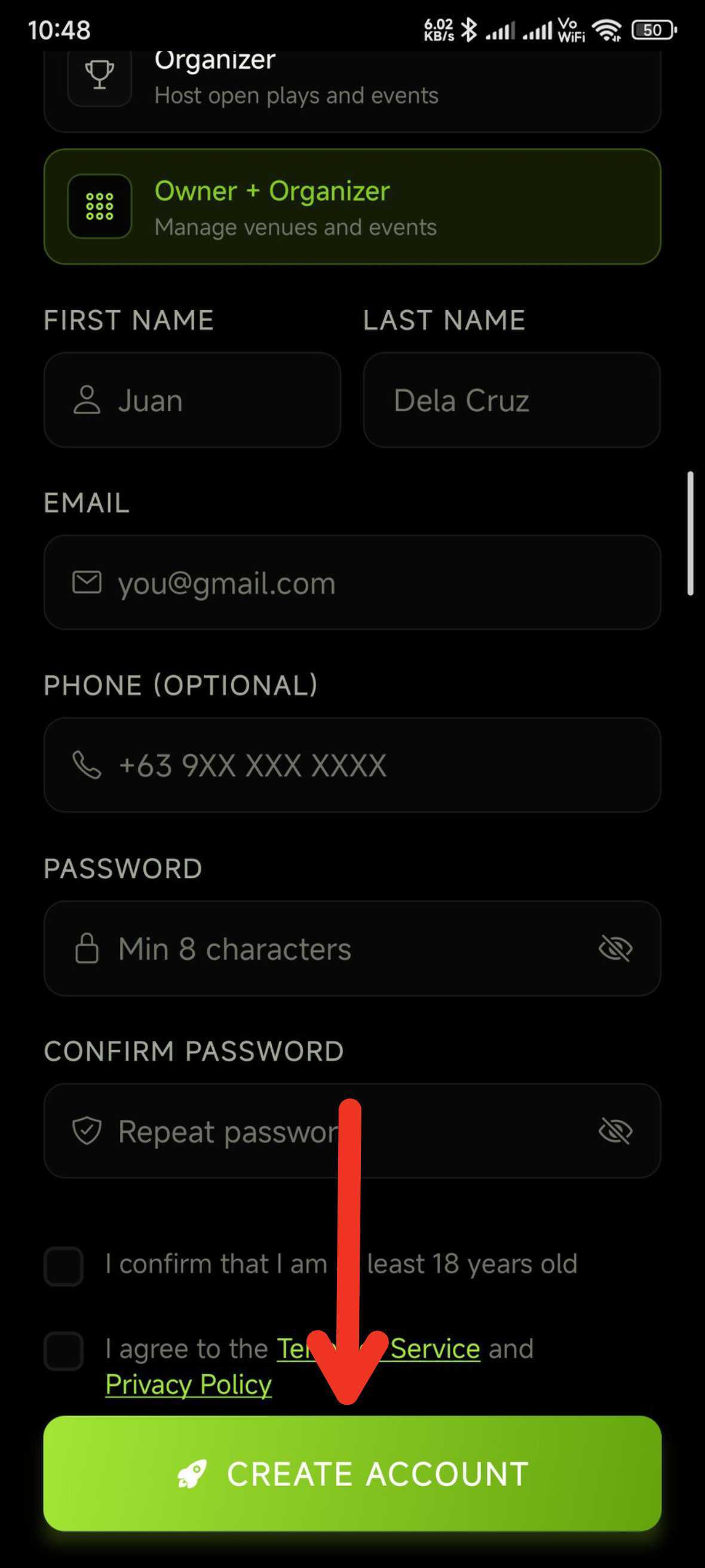

Create your owner account
First-time setup. About 2 minutes.
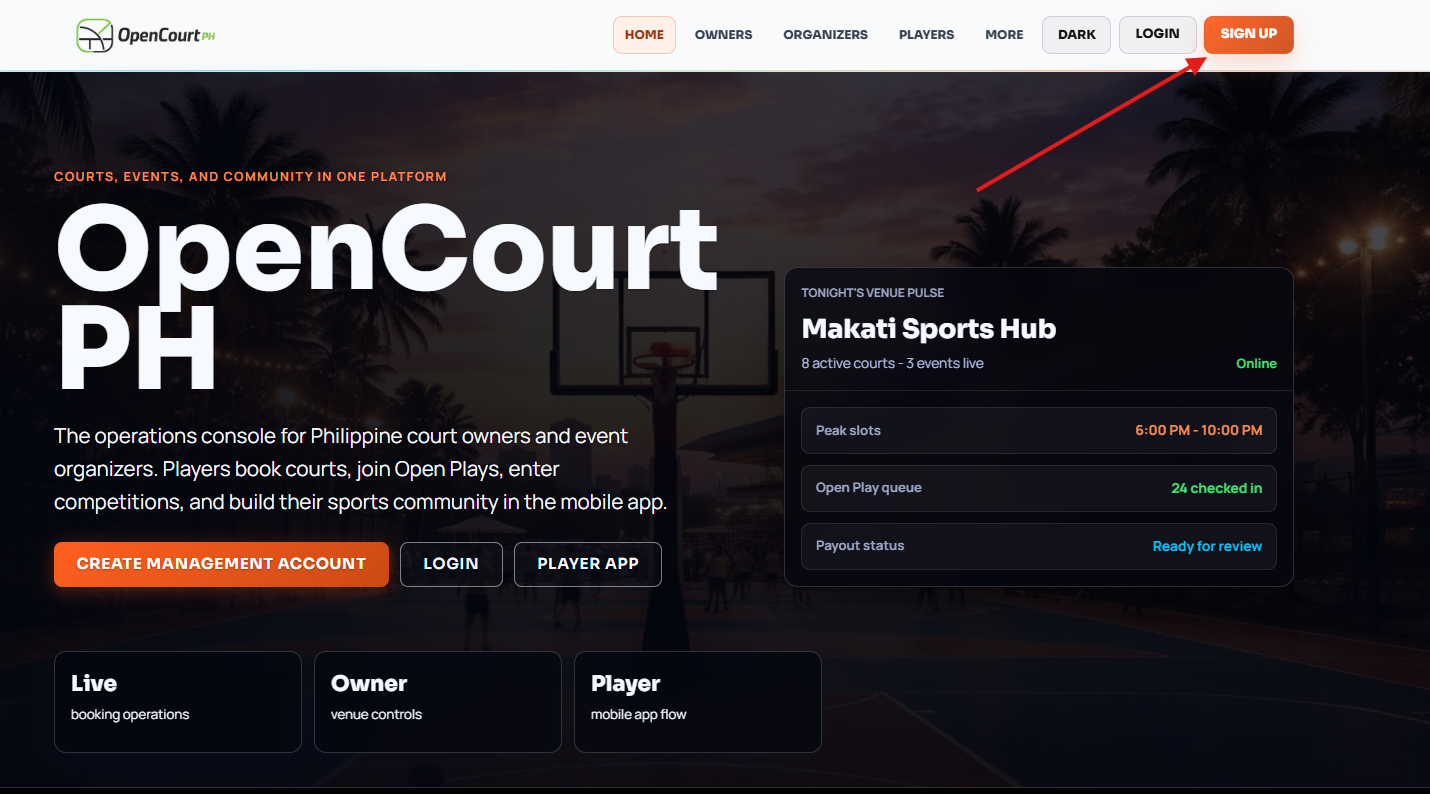
Web
From the public site, click "Sign up".
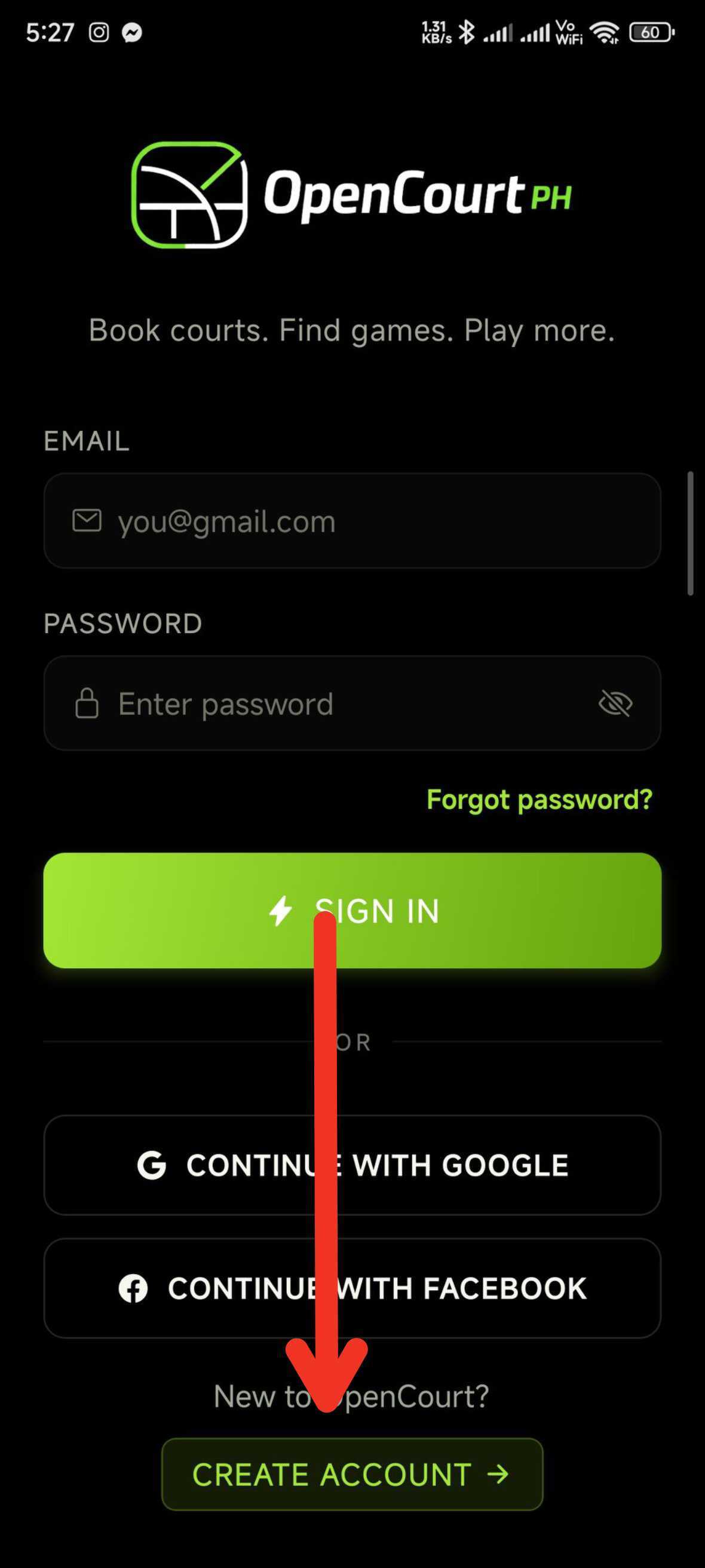
Mobile app
Open the app, tap "Create Account" from the login screen.
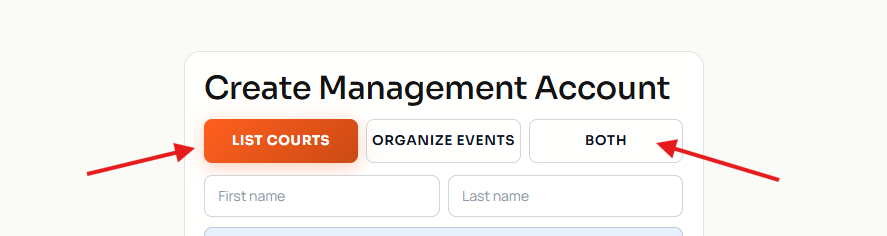
Web
Click "List Courts" (or "Both" if you also organize events).
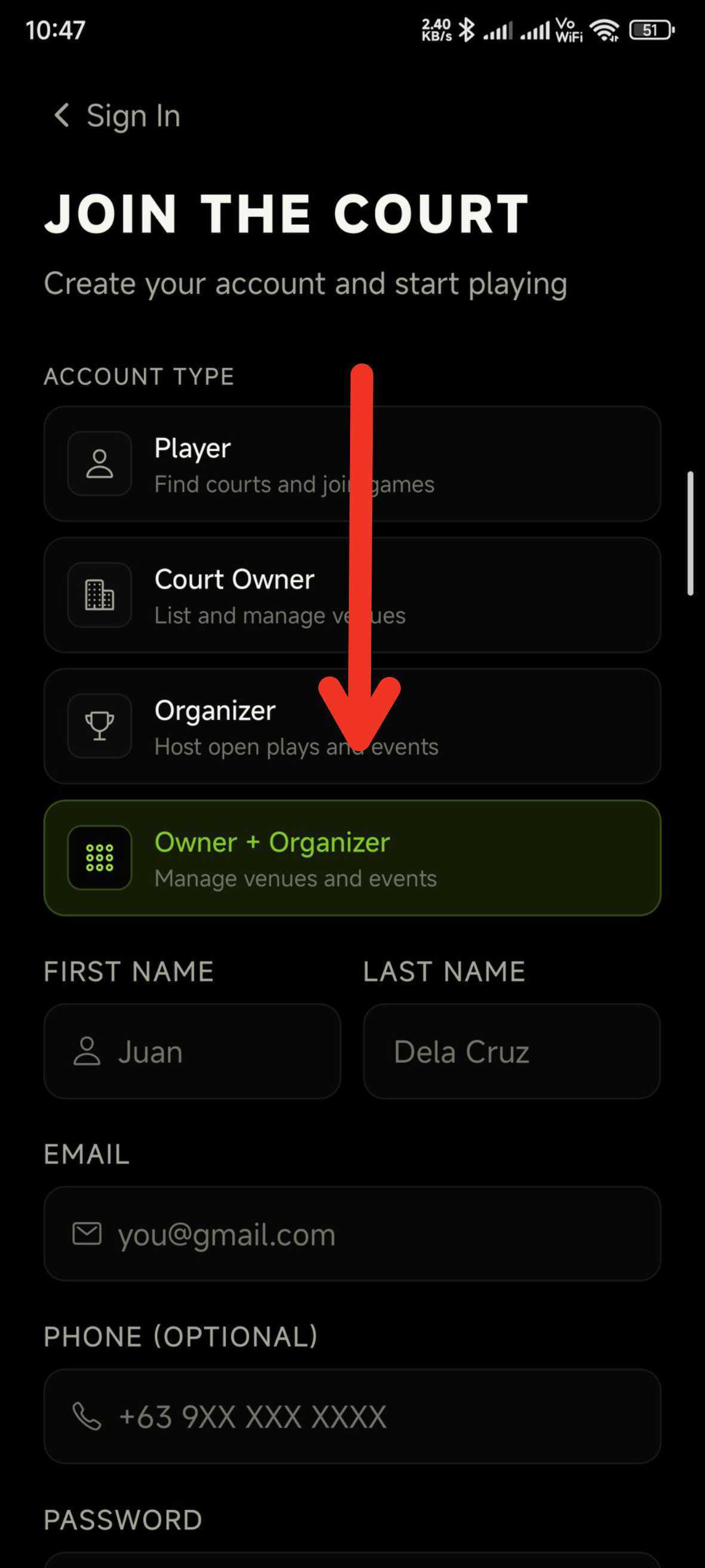
Mobile app
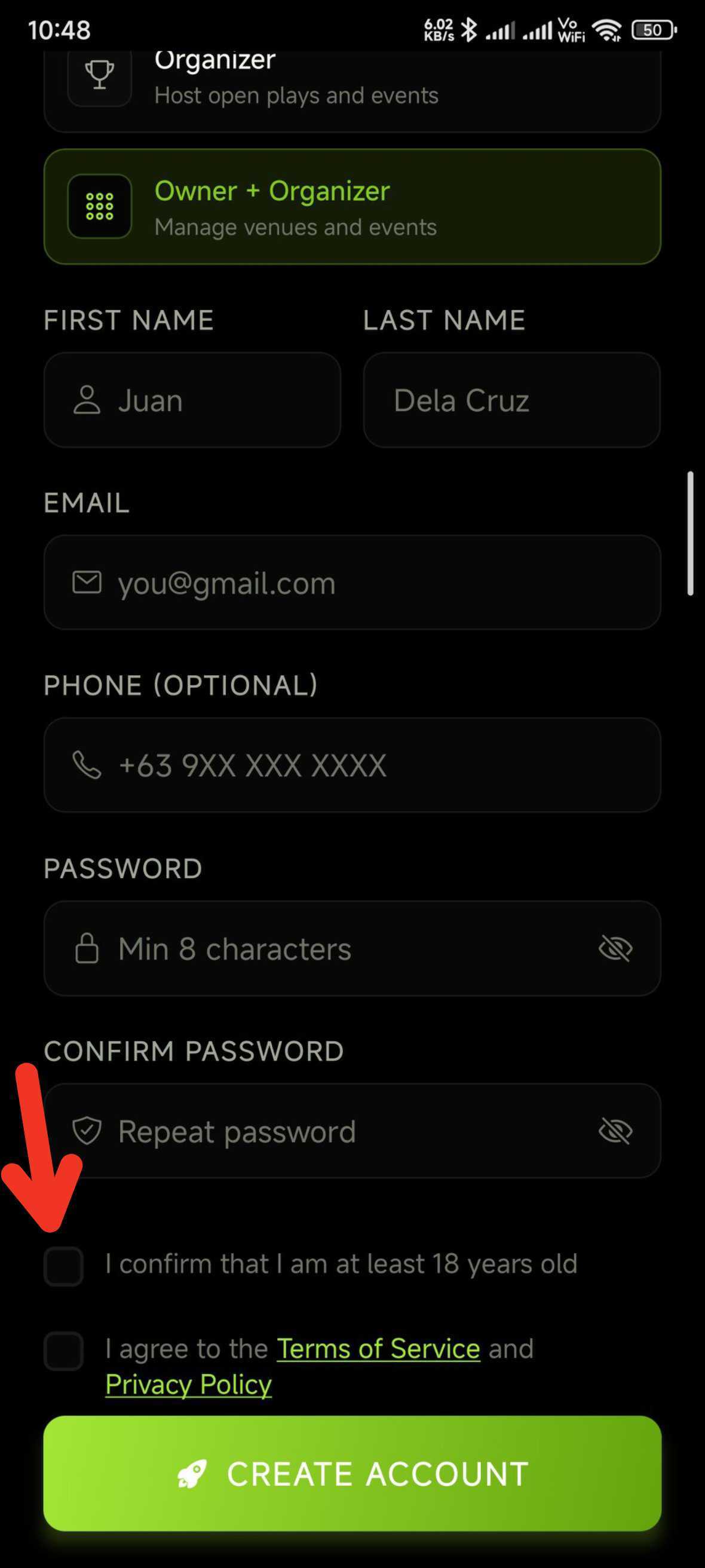
Tap the "Court Owner" tile (or "Owner + Organizer").
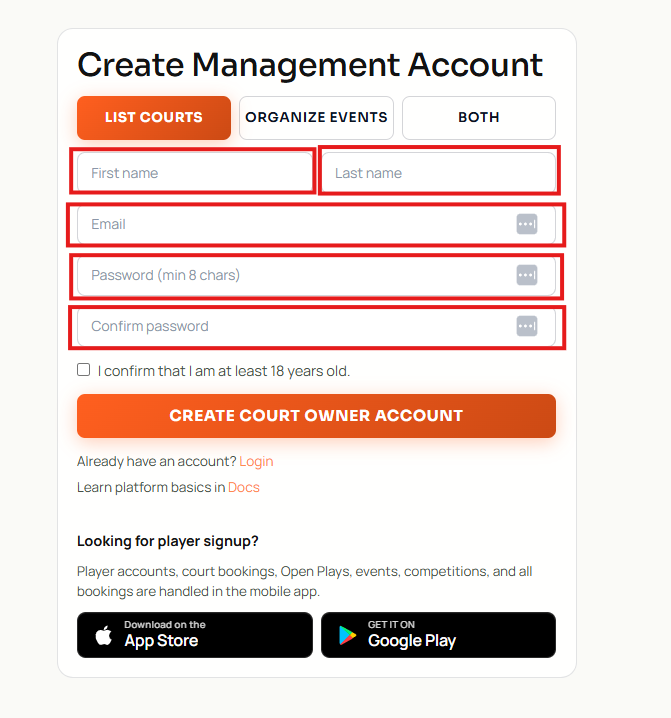
Web
Enter first name, last name, email, and a password of at least 8 characters. Re-enter the password to confirm.
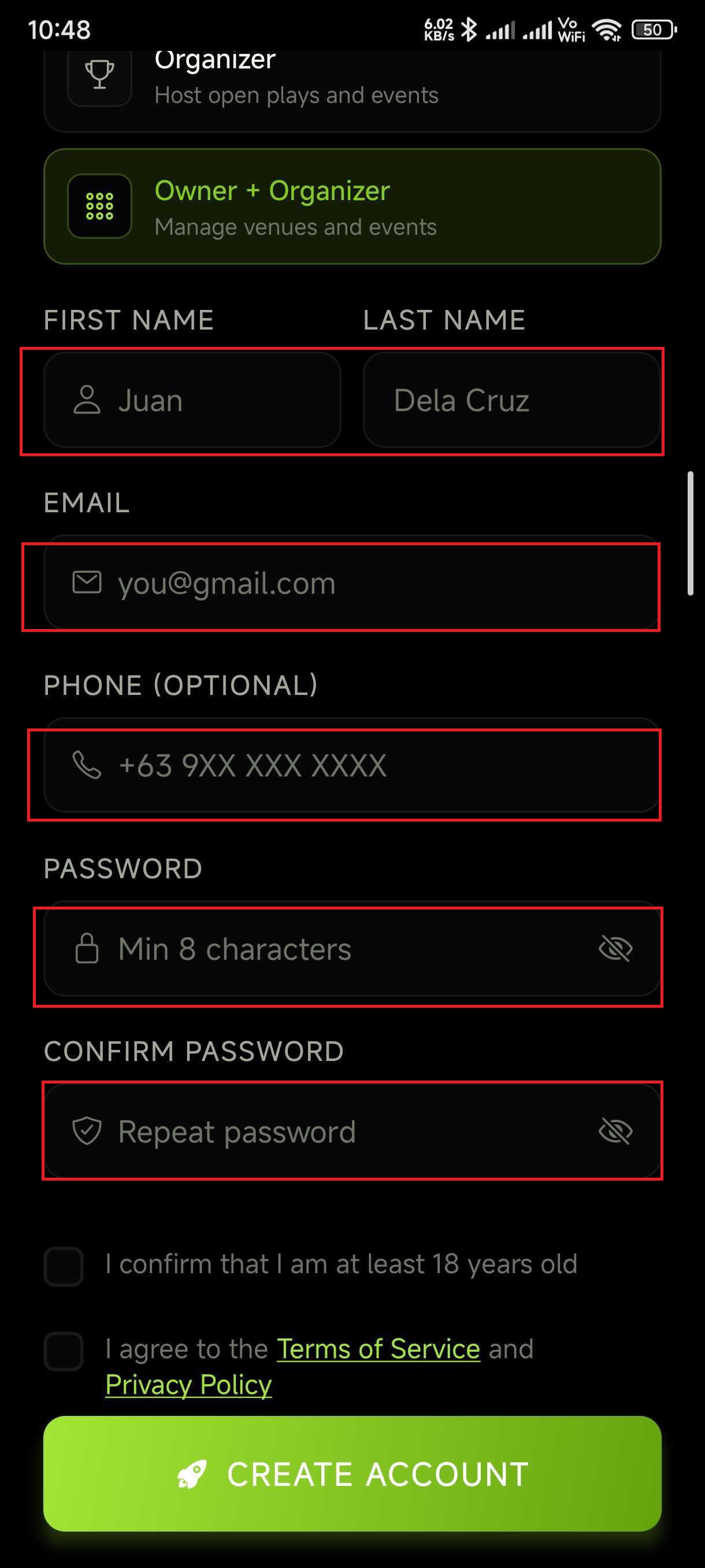
Mobile app
Enter first name, last name, email, optional phone number, and a password (min 8 chars). Confirm the password.
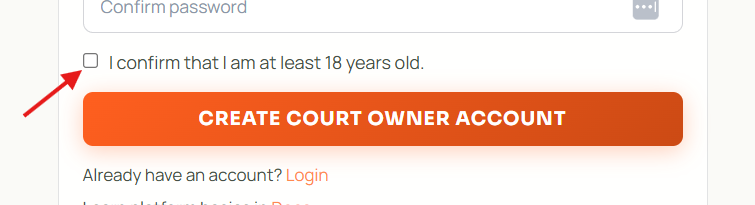
Web
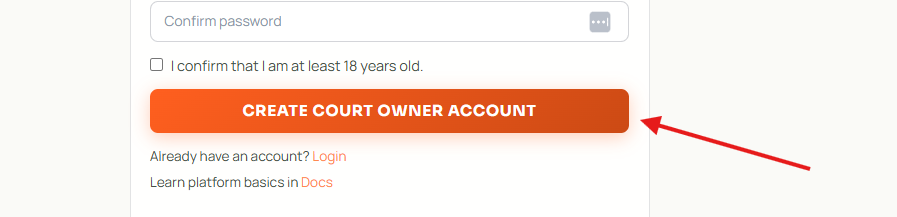
Tick "I confirm that I am at least 18 years old".
Mobile app
Tick the 18+ confirmation and the "I agree to the Terms of Service and Privacy Policy" box.
Web
Click "Create Court Owner Account". You land in the owner dashboard.
Mobile app
Tap "Create Account". You land in the Owner tab bar (Overview / Bookings / Courts / Staff / Calendar / Player).